
SMS Replies in text.email (Two-Way Conversations Are Here)
One of the most requested improvements to text.email is now live: You can reply to SMS messages.
When text.email started, we wanted to focus on one-way SMS alerts. (Send an email to a phone number, text.email turns it into a text message).
That’s great for (most) alerts, notifications, reminders, monitoring systems, and other messages where you just need to get someone’s attention quickly.
But sometimes, the person receiving the text needs to answer.
Now they can with SMS replies.
And not only that: You can have a back-and-forth conversation with email and text as well.
How SMS Replies Work in text.email
In one sentence: When you send an SMS through text.email and the recipient replies, you’ll get that reply sent back to you as an email.
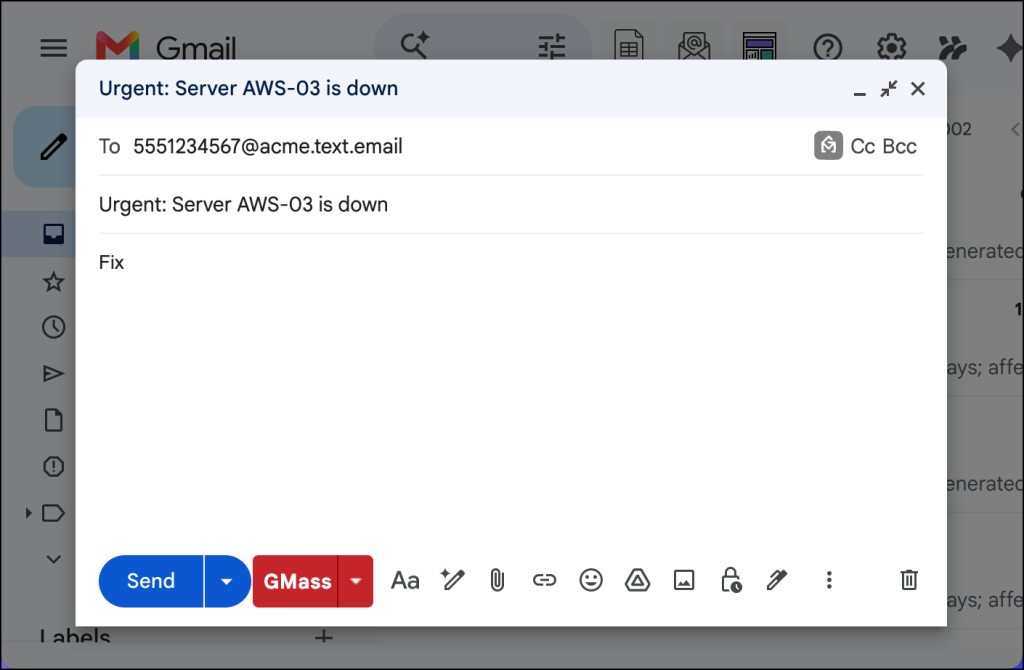
You (or your server, monitoring software, SCADA controller, or whatever) send a message to 5551234567@your-subdomain.text.email…
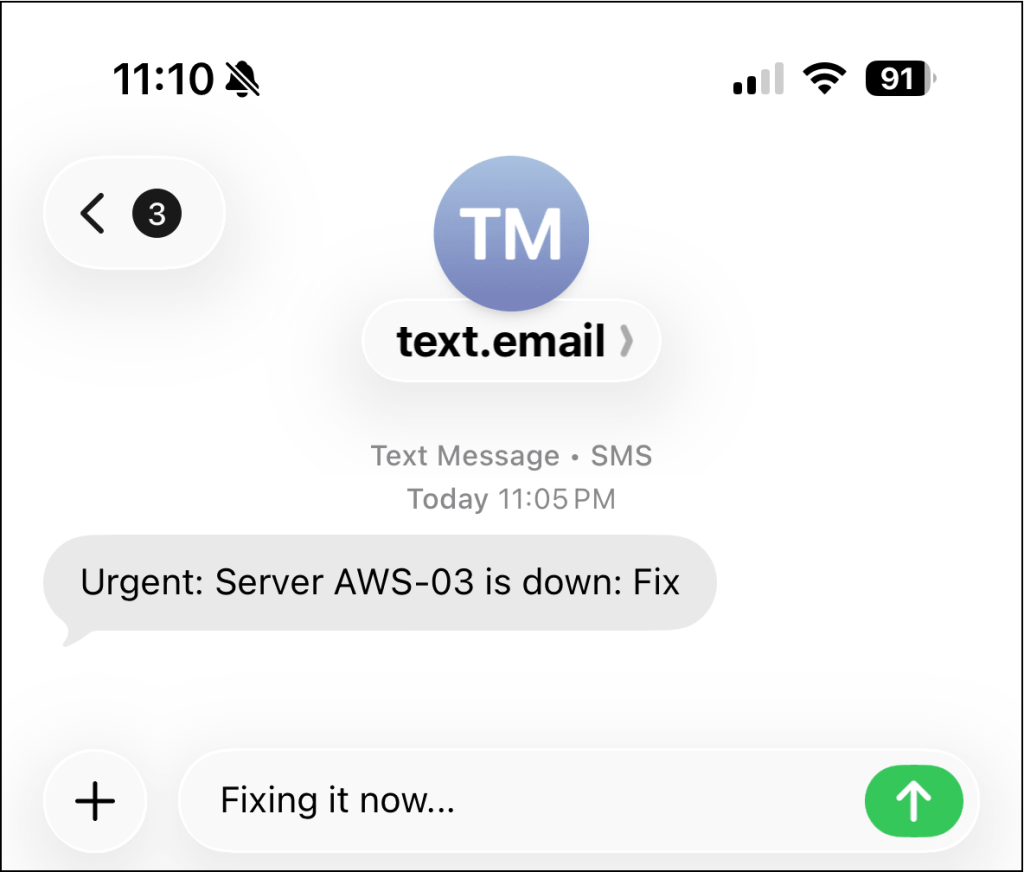
That person replies by SMS…
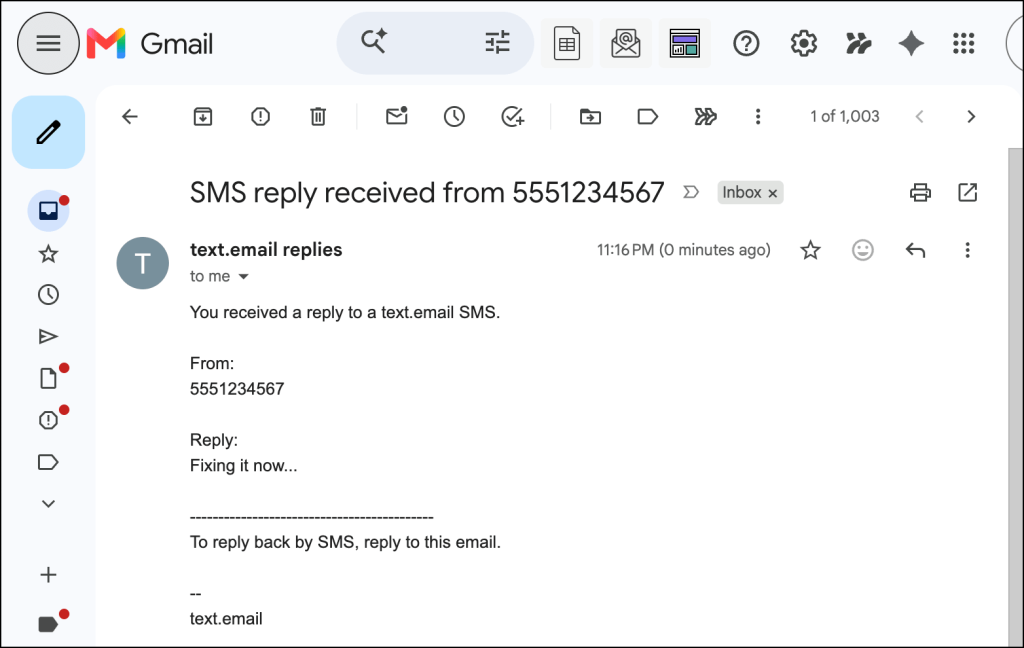
Replies go to your email address
When someone replies to a text.email SMS, you’ll receive that reply as an email (it comes from a text.email email address). The subject line includes the phone number that replied to help you spot it right away.
(And yes, if you’re thinking what I’m thinking: You could definitely set up a Gmail filter so you get that reply texted to your phone.)
This is more powerful and useful than you might realize at first glance. This means if you’ve dropped in your text.email address for server alerts and your technician replies to those messages, you’ll get those replies back in your inbox.
You can reply back to the response via email
Want to reply to that response? Send a reply to the email, and it will be delivered via text.
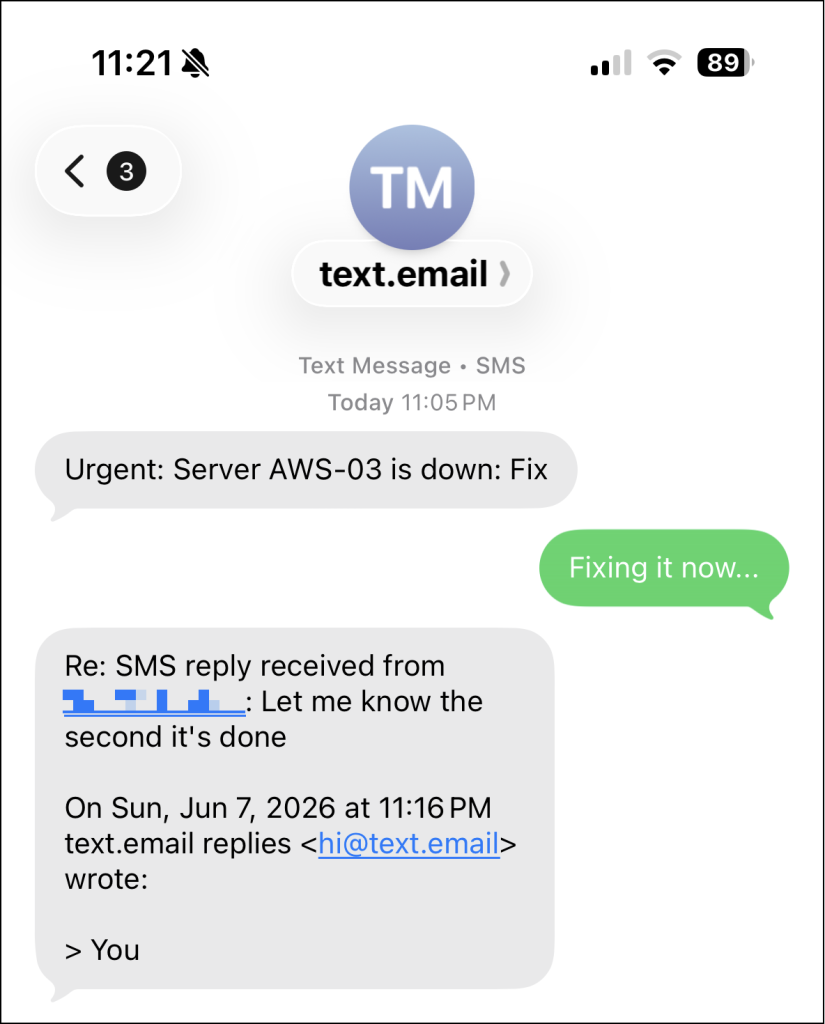
So the flow becomes:
- You send email → recipient gets SMS
- Recipient replies by SMS → you get email
- You reply to email → recipient gets SMS
This turns text.email from a one-way alerting tool into more of a lightweight two-way SMS bridge.
When text.email SMS Replies Are Useful
Here are just some of the cases where having two-way conversations using text and email are useful:
- Monitoring alerts. Like my example above, a technician replying to an urgent text alert. This also works if a system is automatically sending the alert SMS, because the reply will go to the text.email account holder’s email address.
- Customer or staff notifications.
- Home automation.
- Gaming alerts/player notifications.
- Simple human confirmation.
How to Check If Your Account Is Set Up for Replies
You won’t need to configure anything for SMS replies via text.email, as long as your account has been whitelisted and provisioned for texts via our 888 number.
So, if your messages from text.email come from that 888 number, that means you’re all set — replies will work for you.
If you aren’t receiving text.email SMS messages from the 888 number, it means you have not been whitelisted yet. (You can reach out to our support team to request an account evaluation.)
Ready to Get Going with Email to SMS (and SMS-to-Email Replies)?
Our goal with text.email has always been to make SMS as simple as email.
Reply handling makes our system even more powerful. You can send a text via email, reply to that text, get that reply back in your email inbox, and continue the conversation by replying from there.
Want to test out text.email before you subscribe? You can send an email to your-number@text.email (with no signup required beforehand) and you’ll receive that message as an SMS on your phone.
Send an email to
your-number@text.email
and receive it as a text in seconds. No signup required.